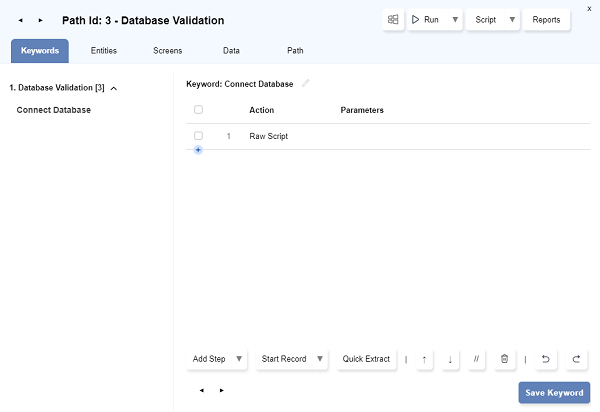
Raw Script Step
Raw Script allows calling custom Sahi script code as part of a Keyword implementation.
-
Click on the node where you need to add the raw step on the flowchart and select
Automate. -
Automate dialog opens up with the selected node.
-
Click on
Add Step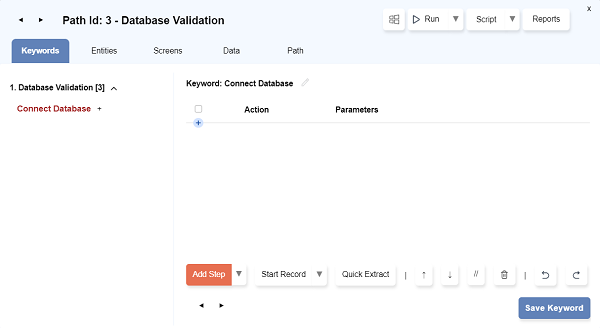
-
Check the
Raw Scriptcheckbox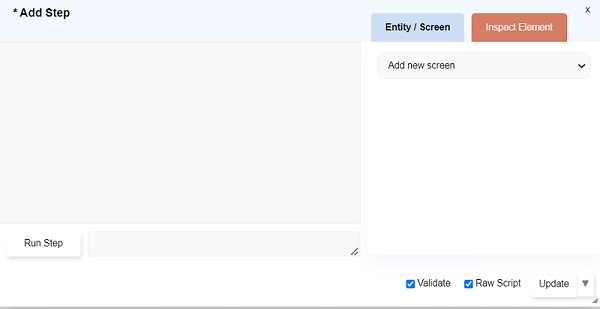
-
Add the raw script to connect to the database. (Refer _getDB for more information on how to connect the database.)
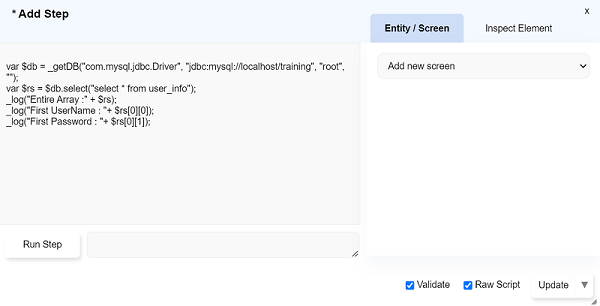
-
Similarly, add any script/step you want to use in Flowhcarts.
-
Click on
Updatebutton to add the script/step in the Keyword