

Sahi Pro SAP Engine
Getting started for automation with Sahi Pro SAP Engine Automation.
Prerequisites
Section titled “Prerequisites”-
Java 1.8 or above is needed for running Sahi Pro.
-
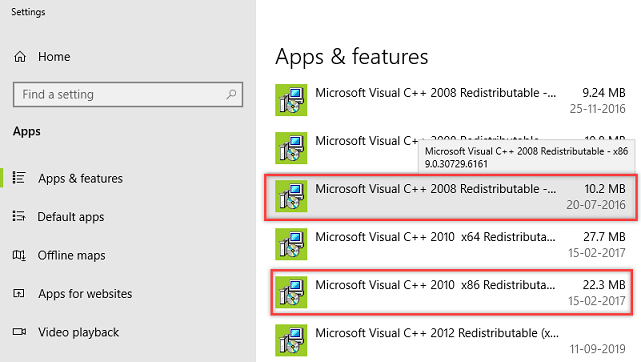
Microsoft Visual C++ Redistributable 2008 x86 or Microsoft Visual C++ Redistributable 2010 x86.
-
Verify the installed version of Microsoft Visual C++ Redistributable as follows:
-
Open Add and Remove Programs and look for Microsoft Visual C++ Redistributable.
-
The installed versions will be listed there.
-
-
Microsoft .NET framework v4.5+.
-
Verify the installed version of Microsoft .NET framework as follows :
-
On the Start menu, choose Run.
-
In the Open box, enter
regedit.exe -
In the Registry Editor, open the following subkey:
HKEY_LOCAL_MACHINE\SOFTWARE\Microsoft\NET Framework Setup\NDP\v4\Full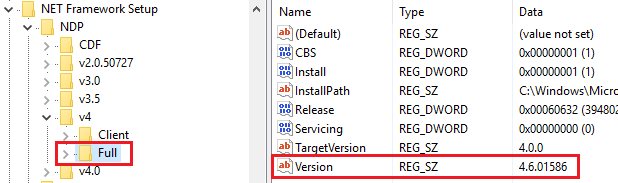
-
-
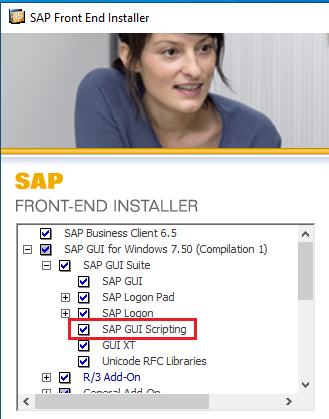
SAP GUI scripting interface must be installed.
Download Sahi Pro SAP Engine
Section titled “Download Sahi Pro SAP Engine”Download Sahi Pro and Sahi Pro SAP Engine from Sahi’s download archives.
Install Sahi Pro into a folder without spaces in its path. Then install Sahi Pro SAP Engine into the same folder as Sahi Pro. Sahi Pro SAP Engine needs a separate license from Sahi Pro. You will need a valid license to run Sahi Pro SAP Engine. If you do not have a valid license yet, book a demo to get a 14 day trial license.
Install Sahi Pro SAP Engine
Section titled “Install Sahi Pro SAP Engine”Installing using Configure page
Section titled “Installing using Configure page”-
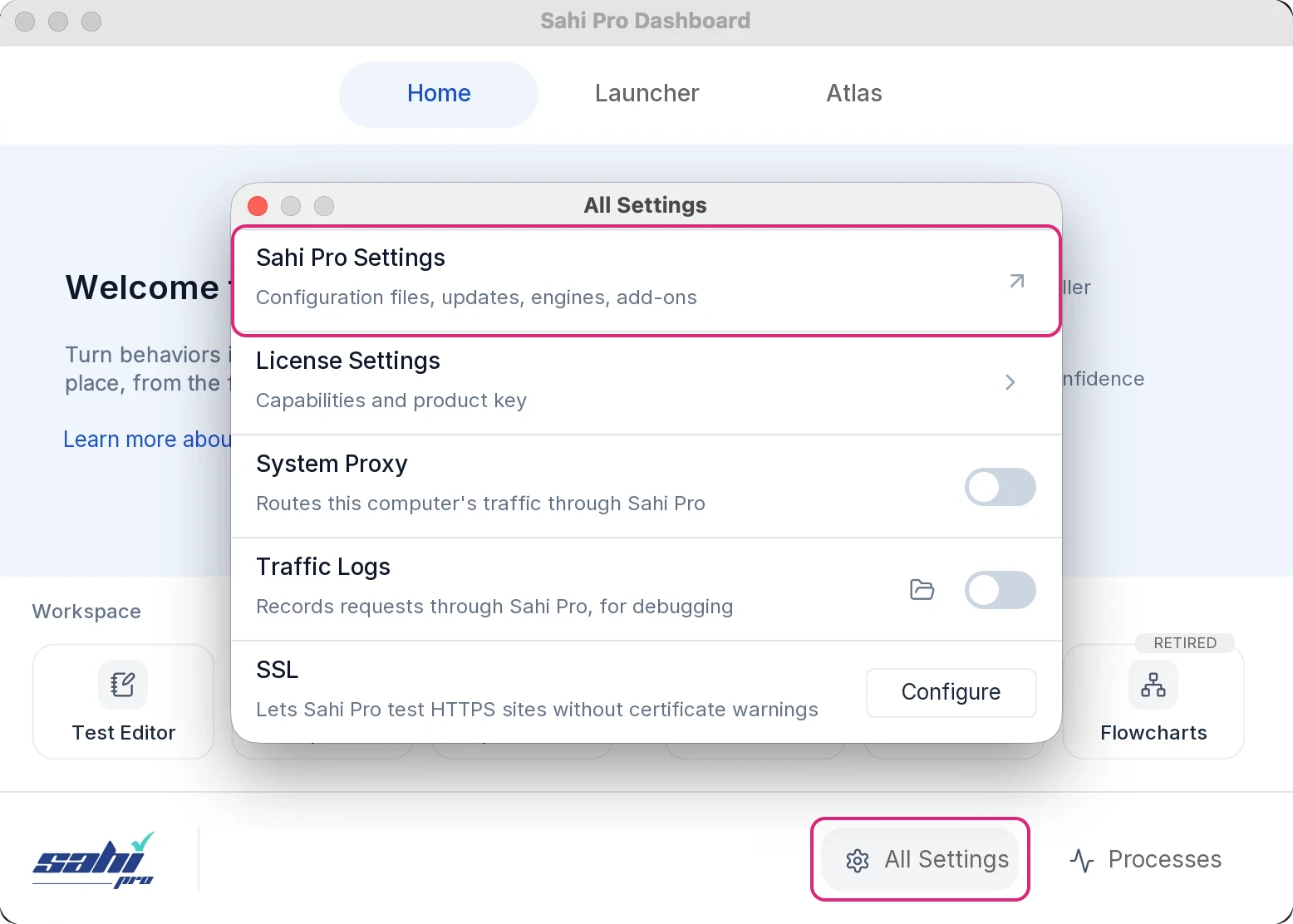
Click All Settings on the Dashboard. The All Settings window opens.
-
Click Sahi Pro Settings. The Sahi Pro Settings page opens.
-
In the menu on the left, open Configuration and click Product Updates.
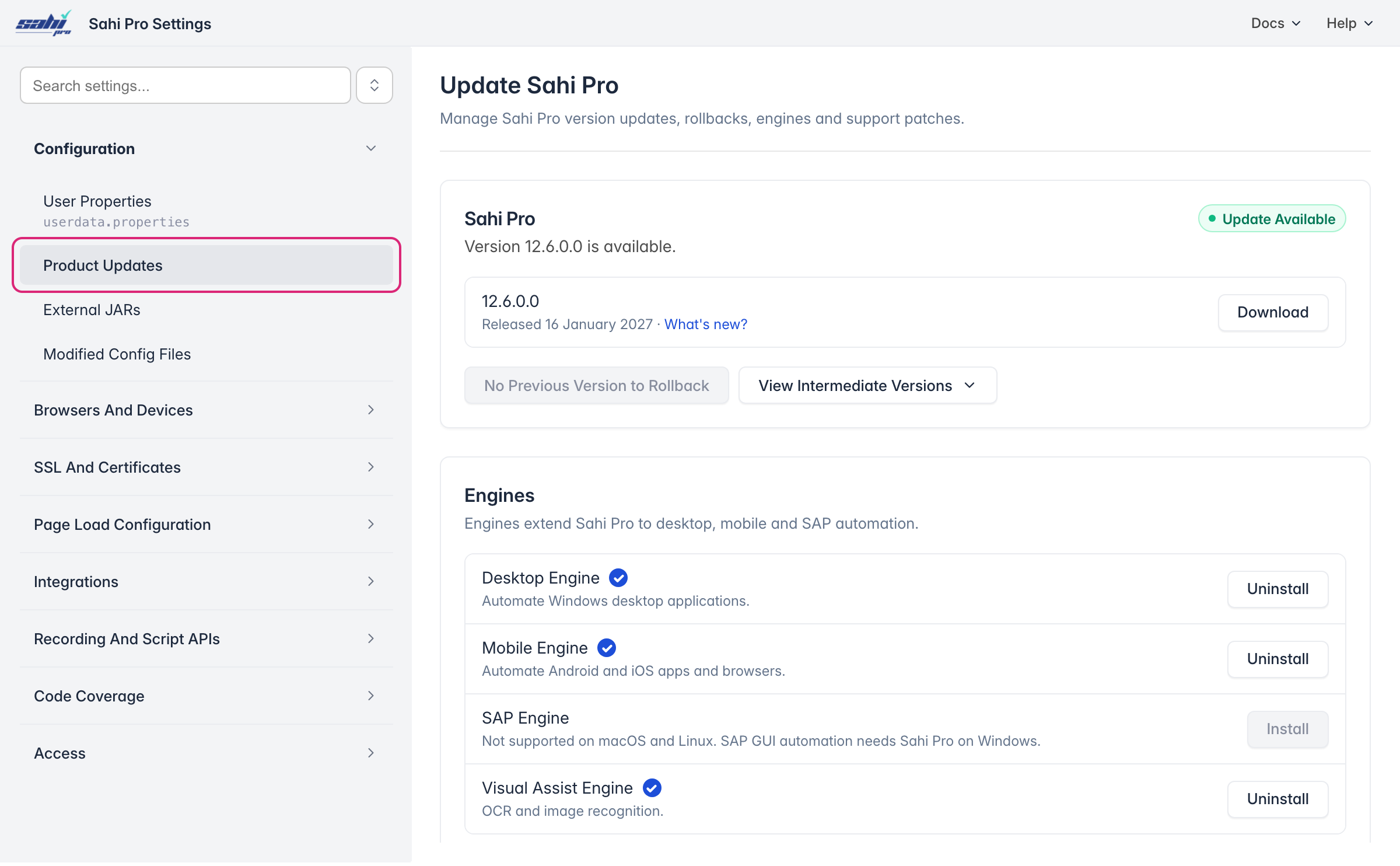
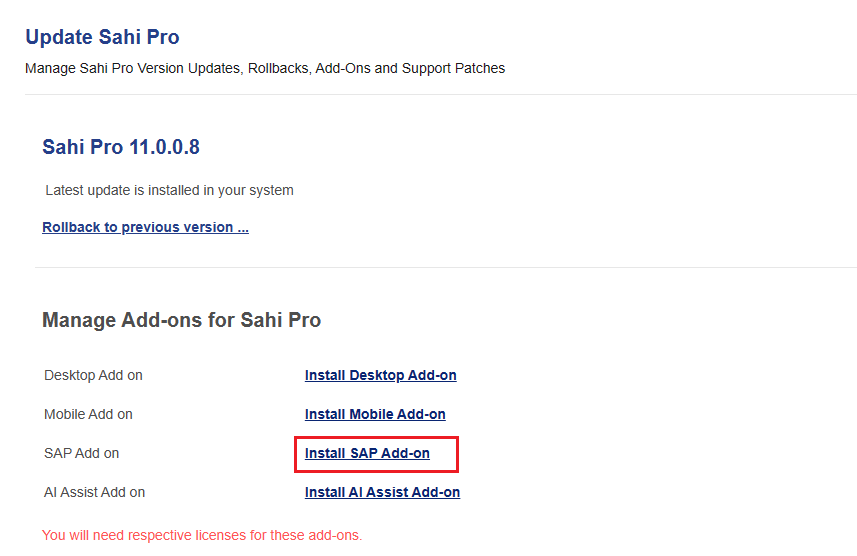
- Under Engines, click Install next to SAP Engine.
Installing using Jar
Section titled “Installing using Jar”-
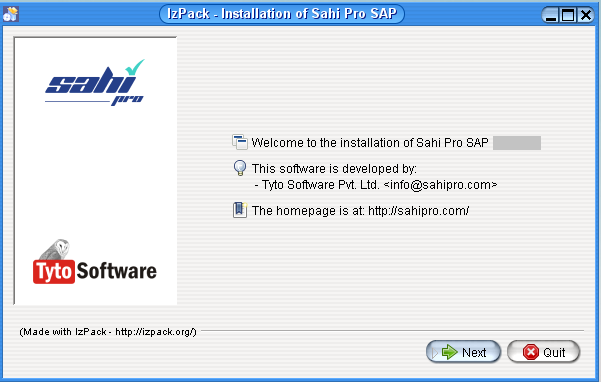
Double click on install_sahi_pro_sap_xxx.jar to start the installer. If Java is configured properly, it will launch the installer.
-
Add
Product Keyin Sahi Pro’s product key popup window. Sahi SAP Engine needs a validProduct Keyto be available insideuserdata\config\productkey.txt(create if needed).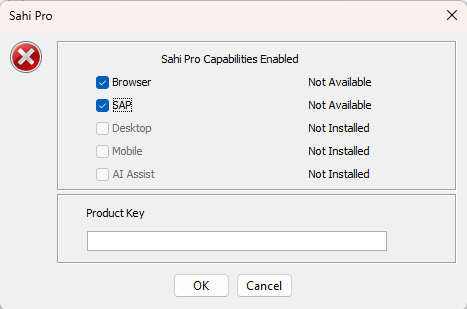
If the
Product Keyis valid, Sahi will startup fine and you will be able to access Sahi.
Start Sahi Dashboard
Section titled “Start Sahi Dashboard”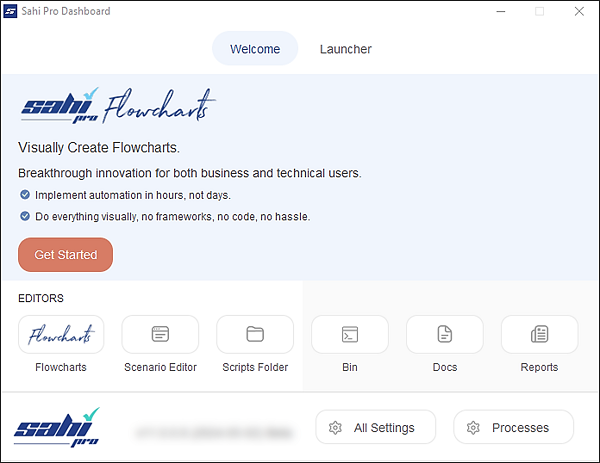
Start Sahi Dashboard by any of the following methods
-
Double click on the desktop shortcut
or
-
Start from the command line.
- Go to
<sahi_root>\userdata\binand runstart_dashboard.bat
Automating SAP GUI applications
Section titled “Automating SAP GUI applications”Sahi Pro SAP Engine provides support for SAP GUI applications. Overall usage of Sahi Pro Flowcharts remains the same.
If you are not familiar with Sahi Pro Flowcharts, see Introduction to Sahi Pro Flowcharts.