

Reports
Project Level Reports
Section titled “Project Level Reports”
This shows a consolidated report of the project which includes all the flowcharts. You can click on the project link to view the reports of individual flowcharts .
Flowchart Level Reports
Section titled “Flowchart Level Reports”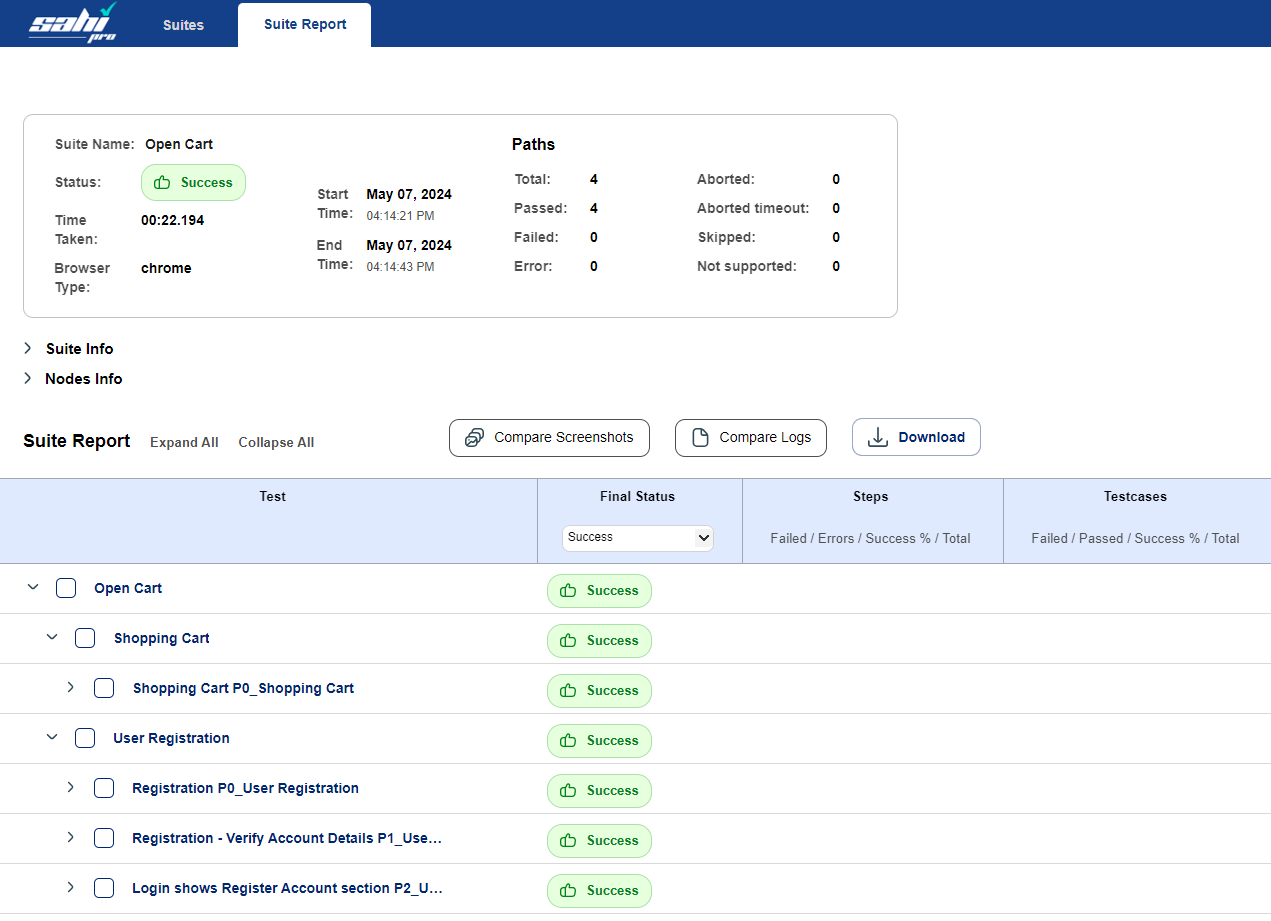
This shows the report of an individual flowchart. It includes all the paths and subpaths inside it. You can click on the path name to view path level report.
Path Level Reports
Section titled “Path Level Reports”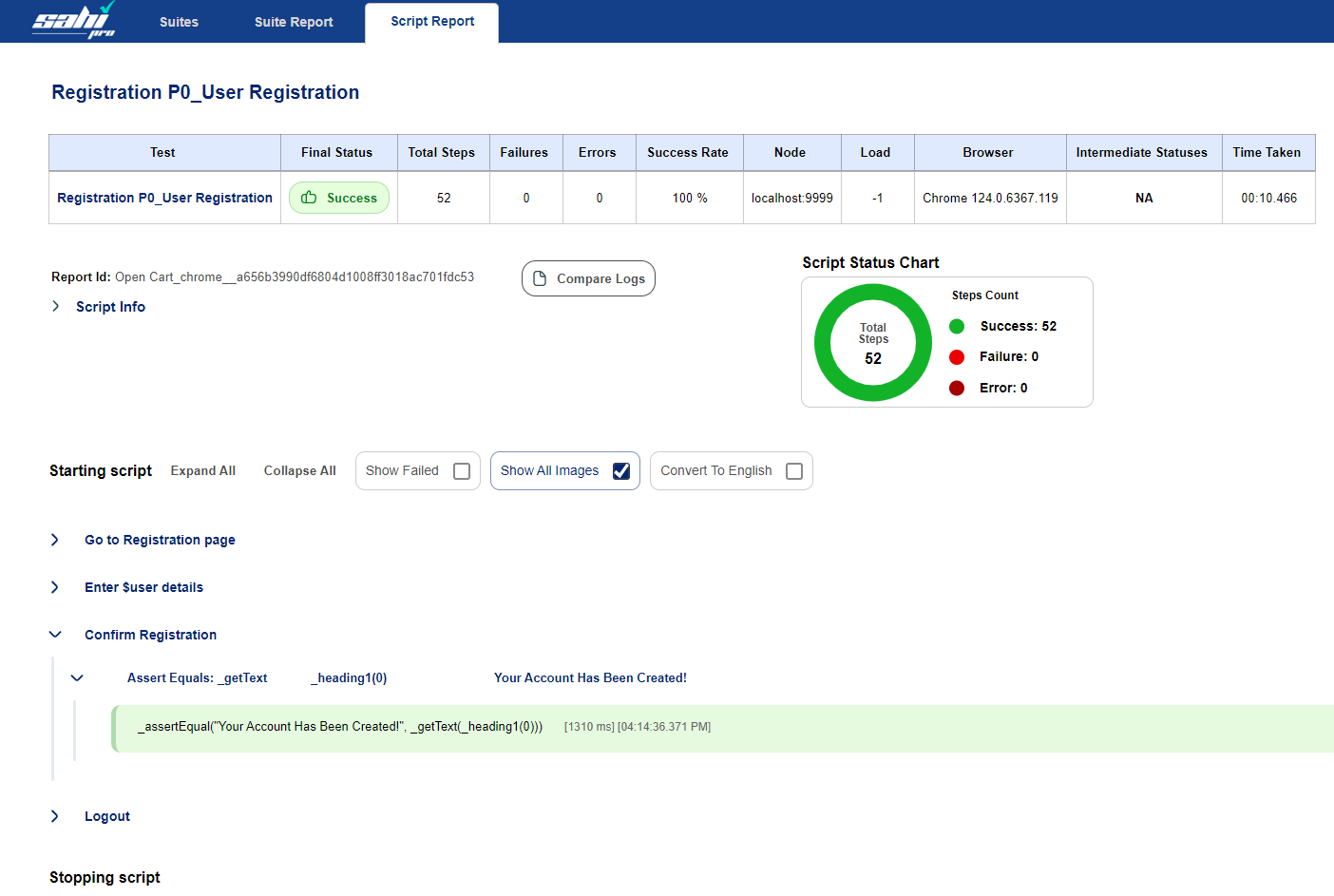
This shows report of an individual path. you can further expand paths to view the details about each keyword.
Normal Run
Section titled “Normal Run”Normal Run with Dataset
Section titled “Normal Run with Dataset”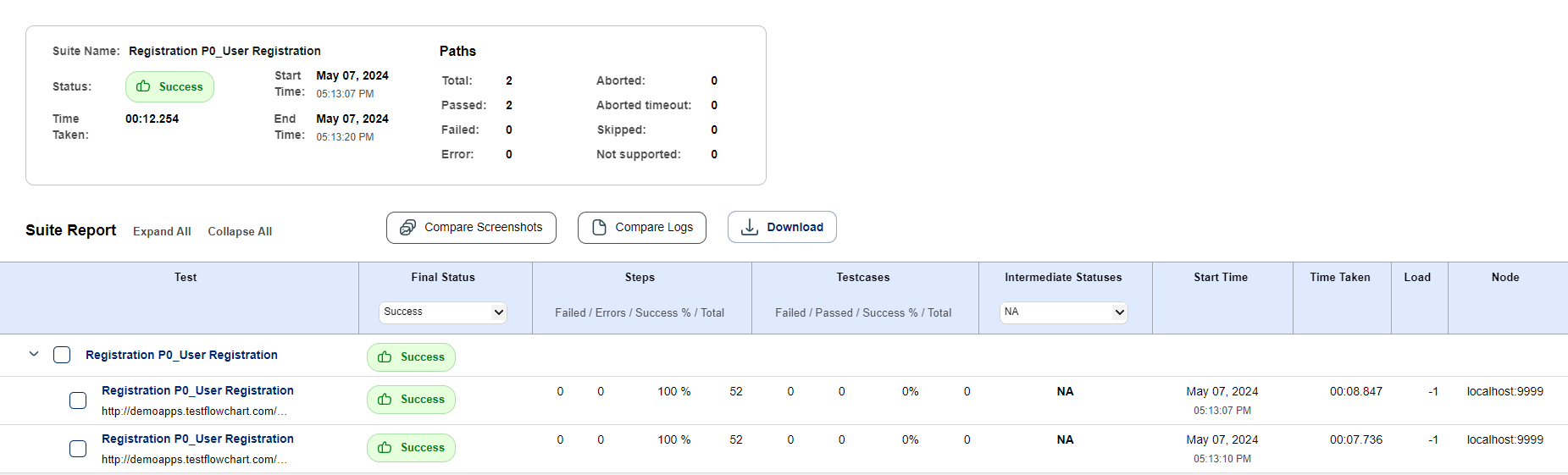
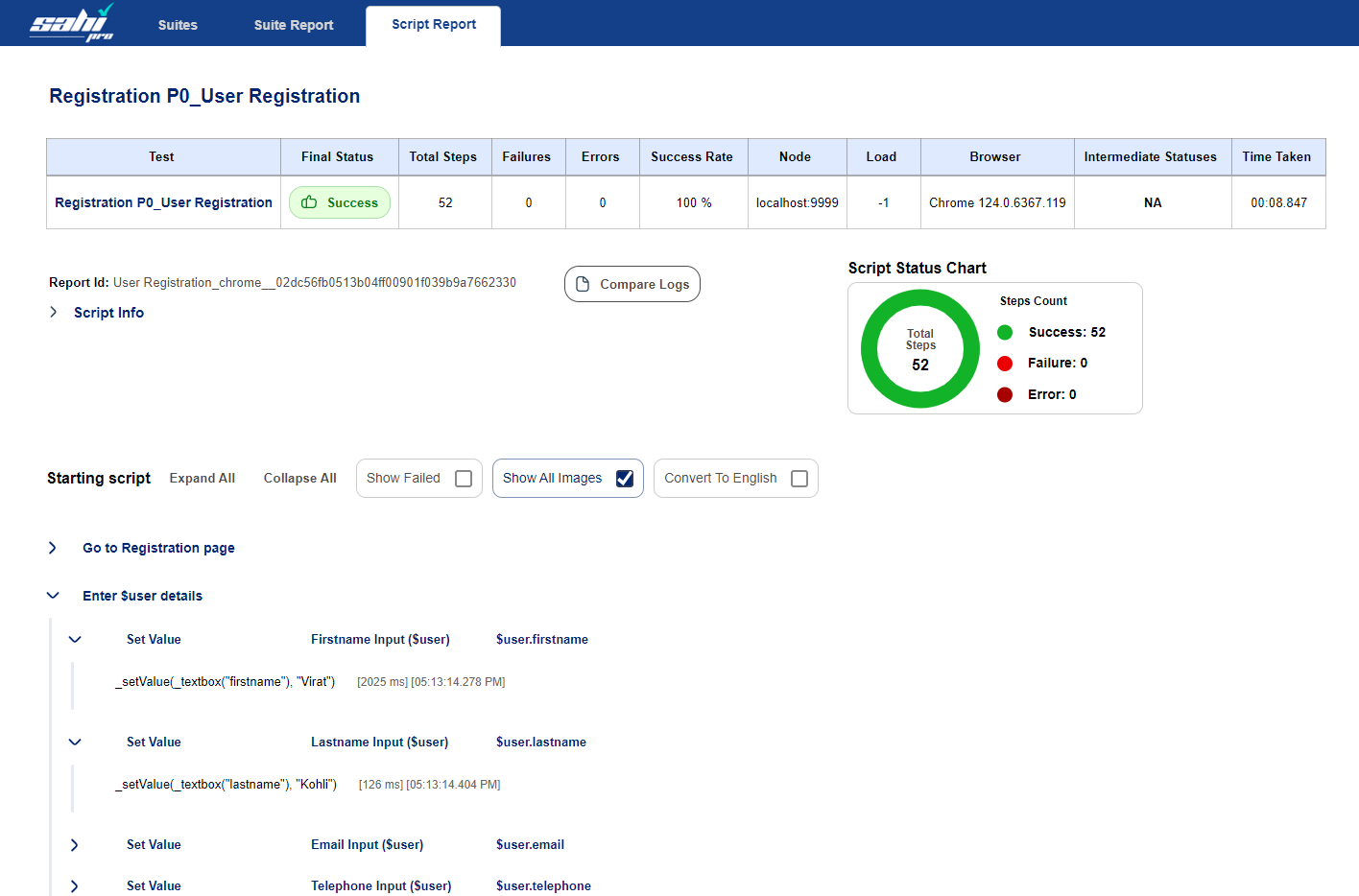
This shows the consolidated report with all the datasets used during the run.
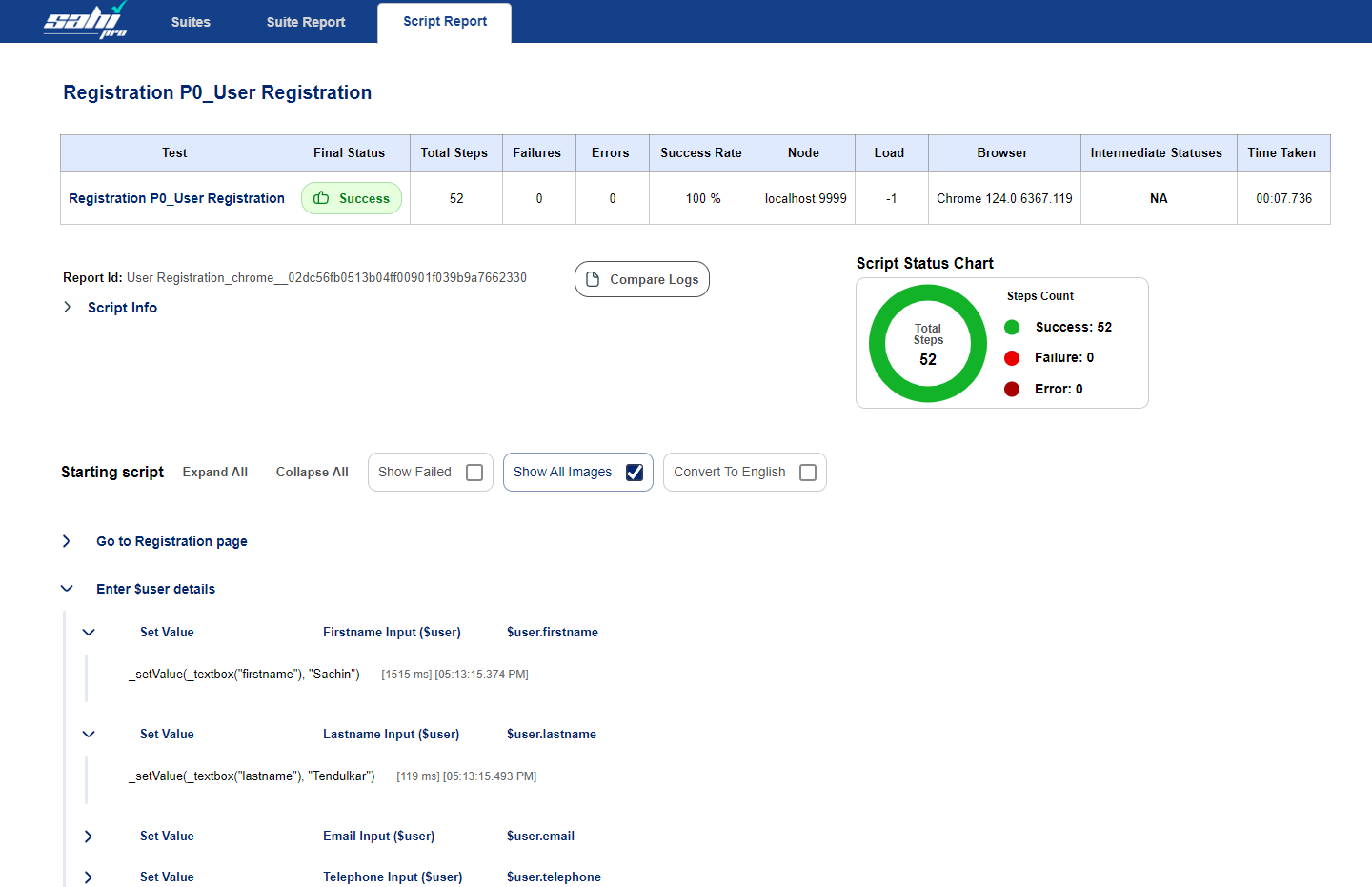
In this image, the same path executes twice because we have provided two datasets. You can click on each to see the details.
Positive Validations Run
Section titled “Positive Validations Run”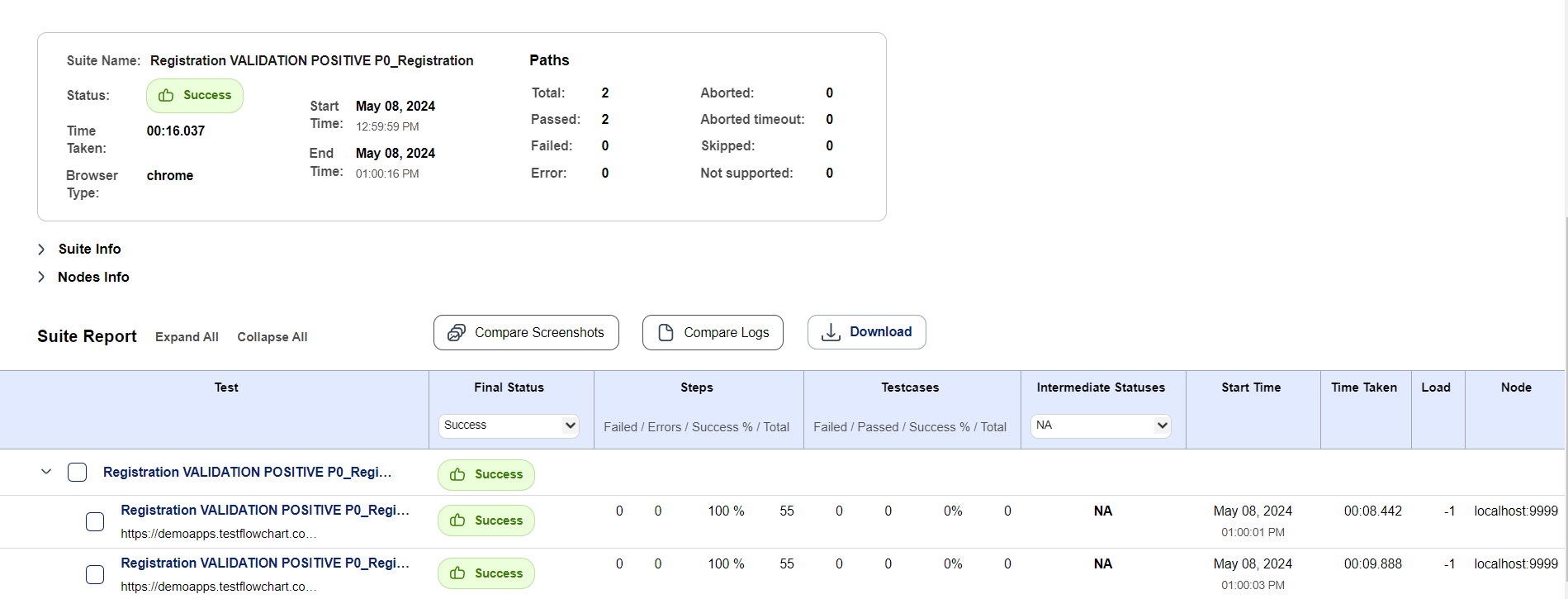
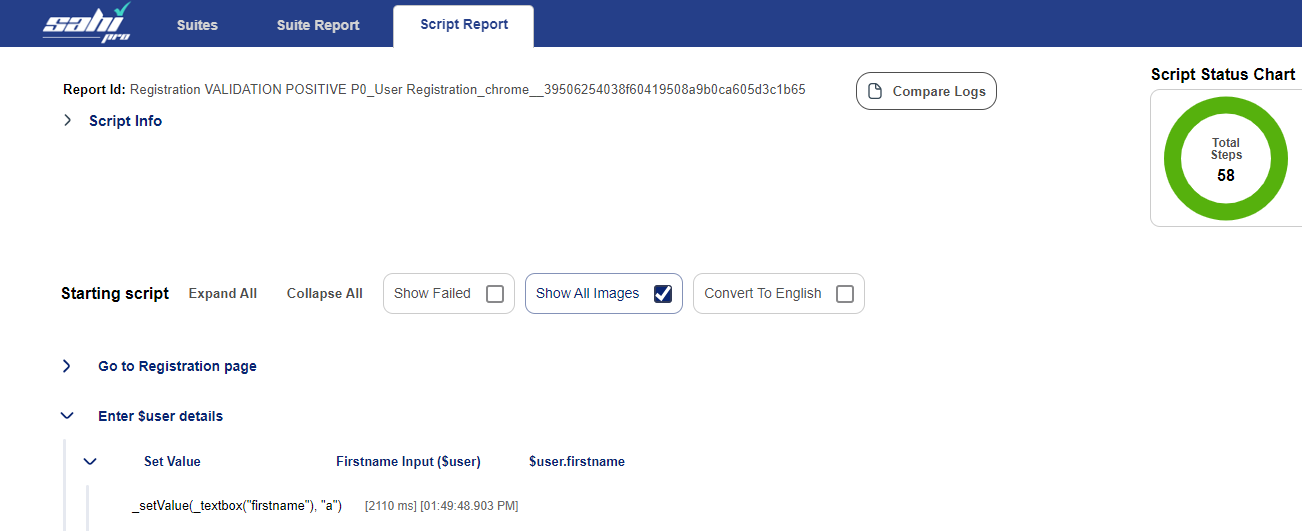
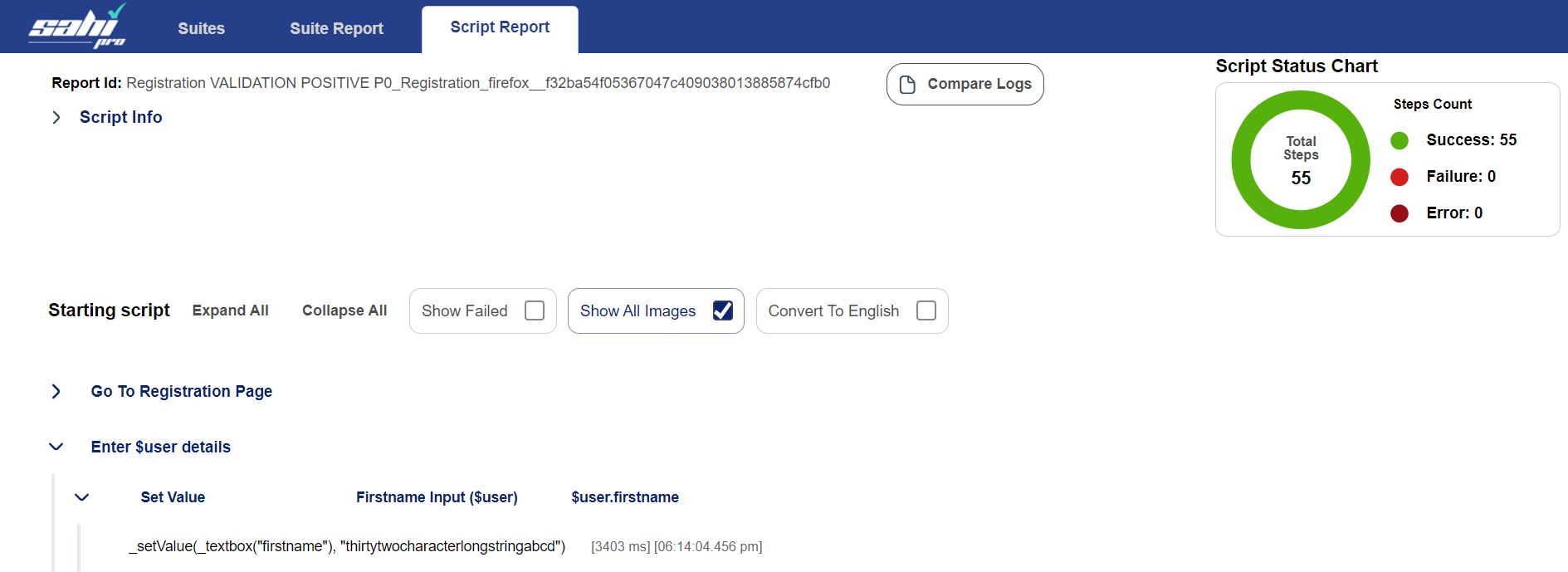
This shows the consolidated report with all the positive values used during the run. The path will execute multiple times depending on the number of values provided. You can click on each to see the details.
Negative Validations Run
Section titled “Negative Validations Run”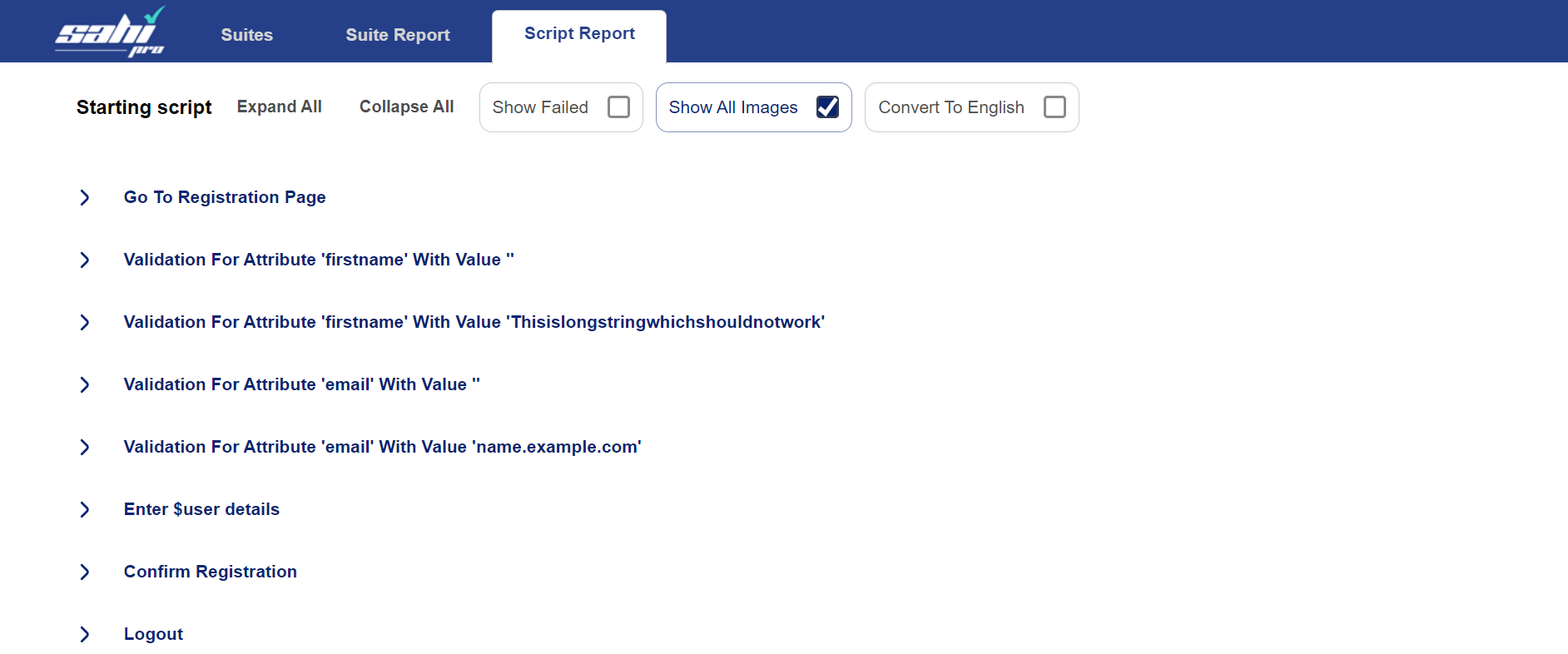
The report shows that the path has checked for the error messages for invalid data.