

Upgrade Sahi Pro
Upgrade Sahi Pro by installing the new version over the existing one; your configuration is kept and the changed settings files are backed up.
-
Assuming you have Sahi Pro Installed at
C:\SahiPro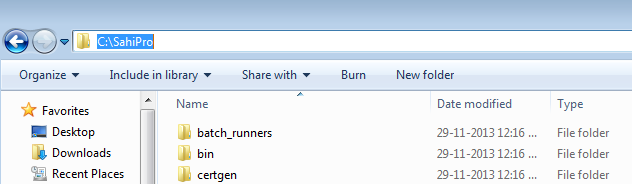
-
Download the latest version of Sahi Pro from the Download Center.
-
Run the installer and choose the same installation path as the existing Sahi Pro, such as
C:\SahiProon Windows or/Users/User/sahi_proon macOS.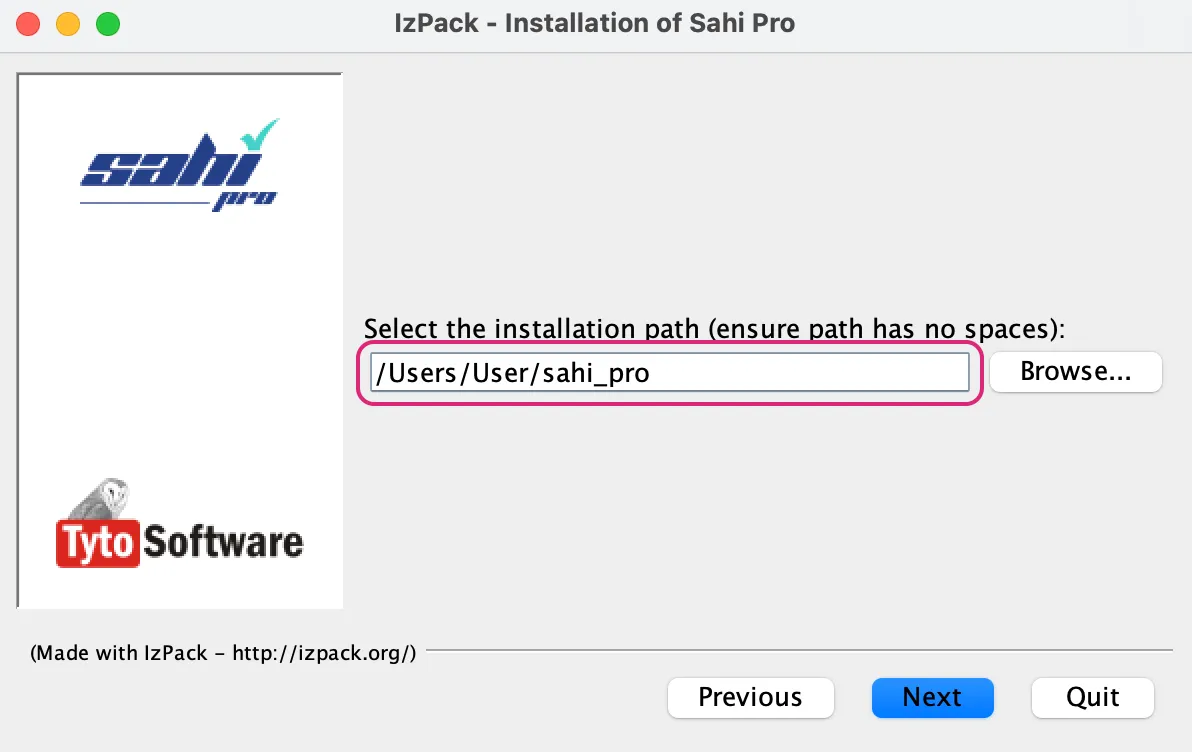
-
The installer warns that the directory already exists. Click Yes.

-
Complete the installation process
That’s it, you have successfully upgraded Sahi Pro!