

Migrate from Test Flow Charts
Test Flow Charts (app.testflowcharts.com) was the online version of Sahi Pro Flowcharts. TestFlowCharts has been discontinued and will no longer be available. Existing users can migrate their projects from app.testflowchart.com to Sahi Pro Flowcharts.
-
Export Project from TestFlowCharts
-
Login to app.testflowchart.com
-
On the specific project card you want to download, Click on the
three-dot iconto open a dropdown menu with more options.
In the dropdown menu, Click onDownloadto download the project.
The project will be downloaded as azipfile.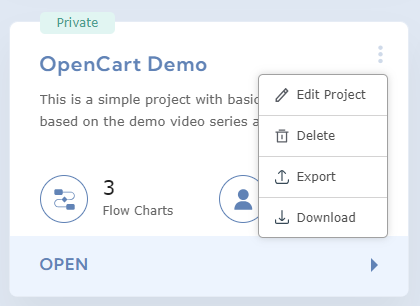
-
-
Import Project to Sahi Pro Flowcharts
-
Extract downloaded zip file and copy the extracted folder. Paste it in
<SAHI_HOME>/userdata/scripts/flowchartsdata/folder.
-
-
Verify project on Sahi Pro Flowcharts
-
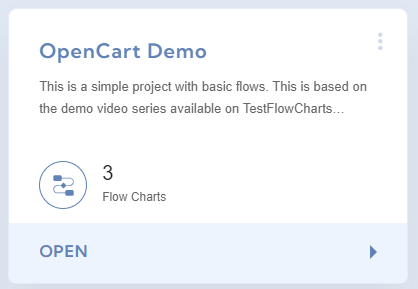
Go to Flowcharts UI, and verify your project is visible on project list page.
-