Applet Automation Using Browser And Desktop Automation
This section details how to automate Java Applets using Browser And Desktop Automation. If you are not familiar with Applet Automation, refer Applet Automation. To automate a java applets using Sahi Pro Flowcharts, refer Applet Automation Using Browser And Desktop Automation.
Java Applets can be automated using Browser and Desktop Automation. For this, the Applet elements need to be automated using JAVA_APPLET mode while the elements on browser need to be automated using BROWSER mode.
Pre-requisites
Section titled “Pre-requisites”- You need Sahi Pro version v7.0.0 or above
- Sahi Pro Desktop Engine needs to be installed.
- Both Browser and Desktop capabilities should be enabled. (Needs both Sahi Pro and Sahi Pro Desktop Engine licenses)
Recording an Applet
Section titled “Recording an Applet”- From the Sahi Dashboard, open the browser which supports applet and navigate to the page containing your applet.
- Press ALT and double click on the document window of the page which you want to record. Sahi’s Controller window will popup. You can now start recording.
- As with normal Sahi, you can use Ctrl-hover (⌘-hover on Mac) to identify various elements on the applet.
Use of JavaApplet Mode
Section titled “Use of JavaApplet Mode”-
To use “Evaluate expression” on Java applets, choose
"Sahi-JavaApplet".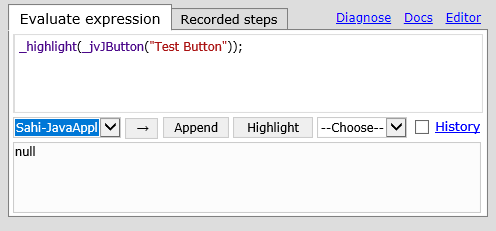
-
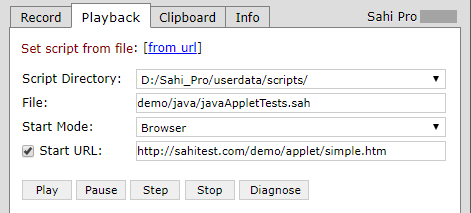
To run the script from the Controller, set its mode to Browser, enter the start URL, then click Run.